Turning Figma into a FVS machine with Ricardo Lodroño
Unlock the power of Flexible Visual Systems (FVS)! A fast, practical introduction to building systemic visual identities in Figma. Using the CAA Method (Components → Assets → Applications), you’ll move from seeing the method at work to building the first pieces of your own visual system. You’ll build components with variants, combine them into applications, and apply your system to a real project, whether you bring your own, start from a brief, or design one from scratch.
Upcoming workshop dates
Choose the session that fits your schedule. Live & online. We believe in the power of real-time collaboration, so no recordings—just hands-on learning. Limit: Strictly limited to 15 participants to ensure individual mentoring.
If you have any questions about the course, feel free to email us at franziska@schoolofsystems.org.
Fri, 4 & Sat, 5 September 2026
14:00-17:00 CEST
Location: Live online, Google Meet
Please note: This workshop will not be recorded.
Language: English
Price: 250€ + VAT
Fri, 12 & Sat, 13 March 2027
17:00-20:00 CET
(Central European Time)
Location: Live online, Google Meet
Please note: This workshop will not be recorded.
Language: English
Price: 250€ + VAT
About the workshop:
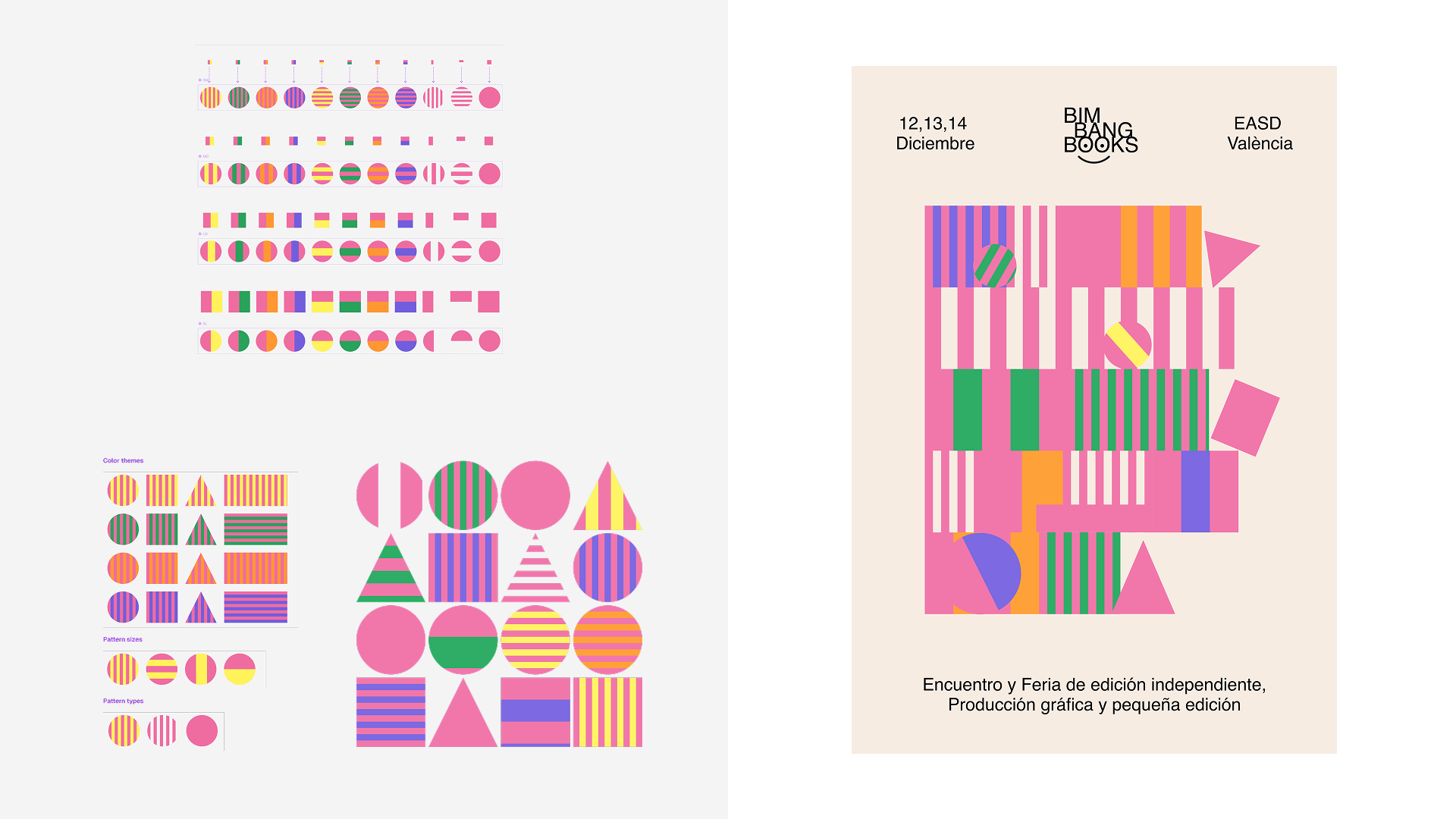
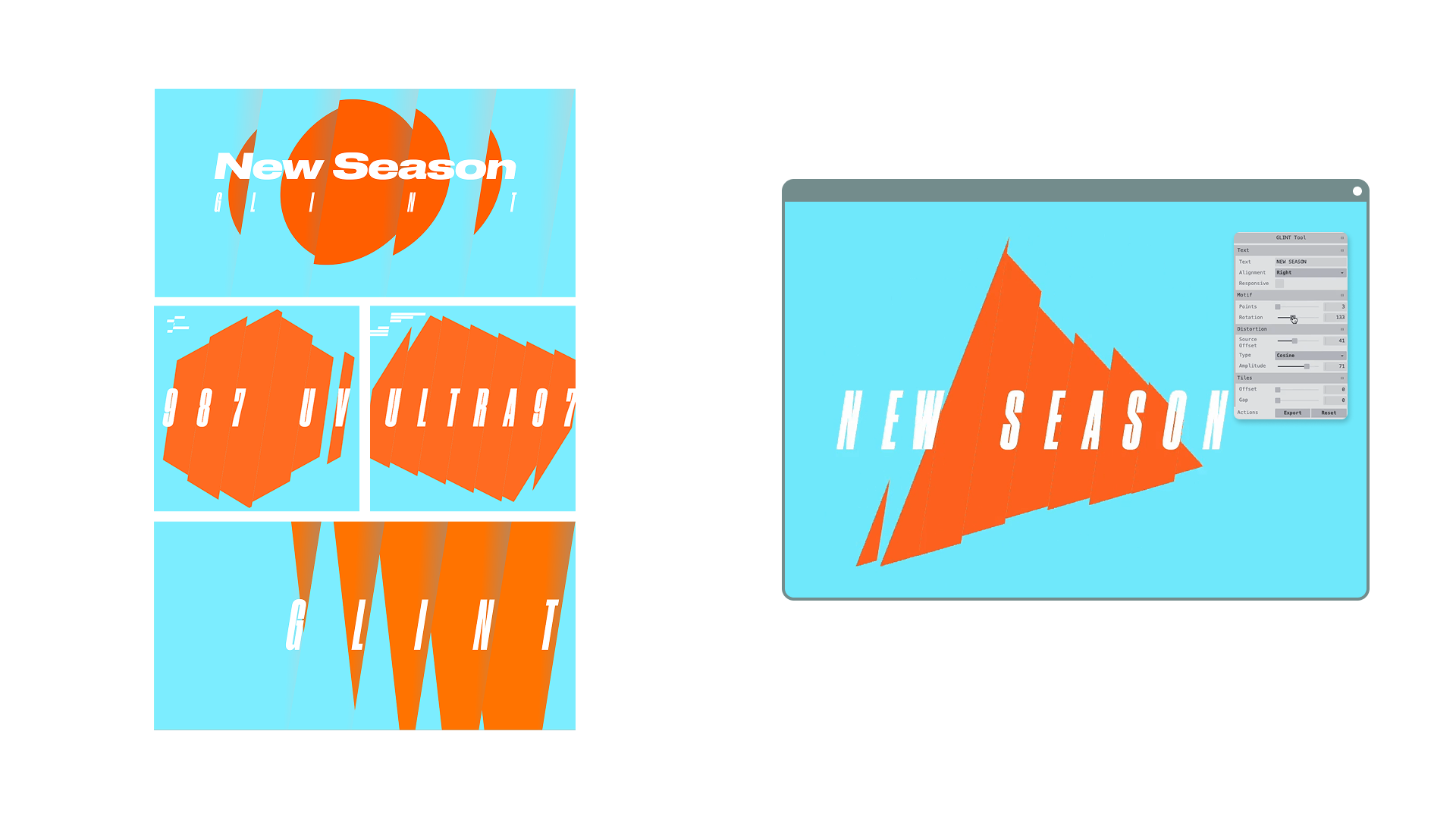
This workshop translates the CAA Method (Components → Assets → Applications) from Martin Lorenz directly into Figma. In two days you move from seeing the method at work in a real visual identity, to building the first pieces of your own visual system.
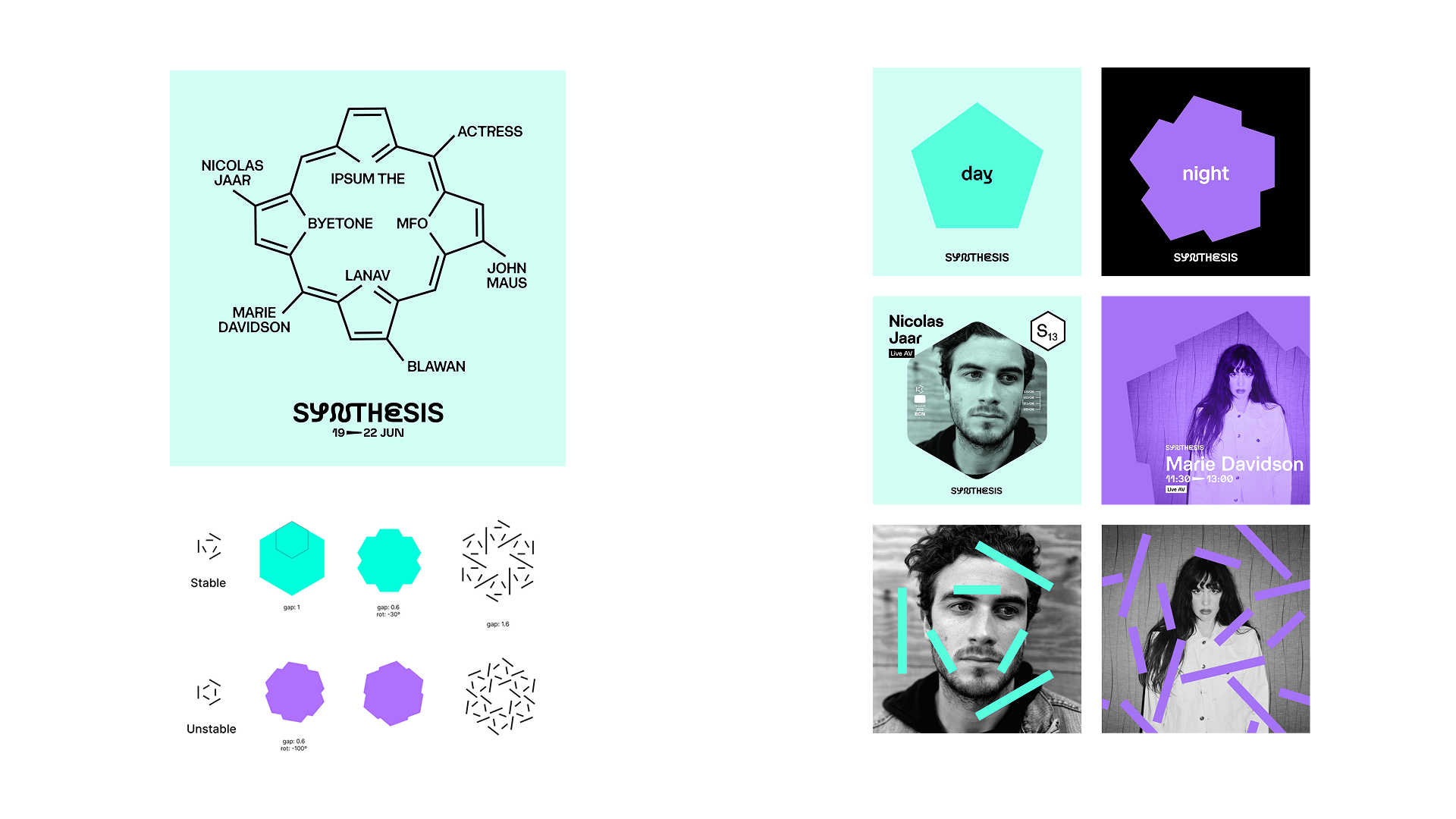
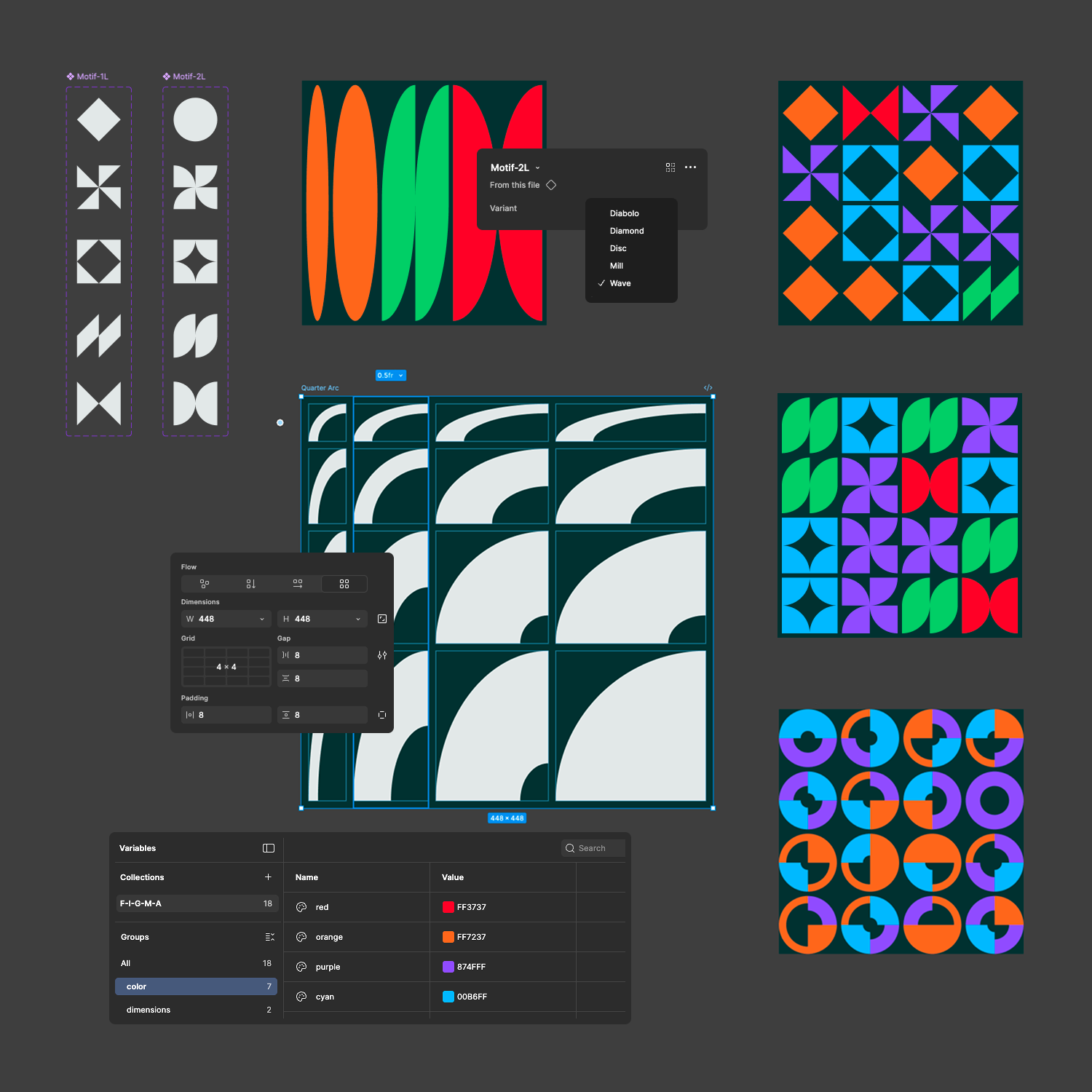
Day 1 moves fast through everything you need to think in systems inside Figma: finding your way around the tool, the basics of flexible layout (Freeform, Auto Layout, Grid), building components with variants, and combining them into applications. We close the day by reading a few real visual identities through the CAA lens, so you see the method at work before you build with it yourself.
Day 2 is fully hands-on. You build your own flexible visual system: bring a project you’re already working on, start from a brief we hand you, or design one from scratch. Either way, you get a Figma boilerplate file to build from. By the end of the day you’ll have applied your system to one or two real formats, to see how it holds up.
Who this is for: Graphic designers curious about building flexible, systemic visual identities in Figma, whether you’re bringing your own project or starting fresh. This workshop works as a fast, practical introduction on its own, and as a first step before our longer foundations course.
Outcome: By the end of the workshop you’ll be able to read a visual identity through the CAA Method: Components, Assets, Applications. You’ll have built your own components and variants, combined them into applications, and applied your system to one or two real formats.
Required:
- Figma account (Free or Professional tier)
- Computer capable of running Figma, and a stable internet connection
- Basic user level of Figma is required: you should be able to navigate the file system and interface, work with frames and layers, and use the basic shape and text tool.
- This workshop does not teach Figma fundamentals, but we’ll send a short primer before the workshop to help you get up to speed
- No coding knowledge required
About Ricardo:
Ricardo Lodroño is a graphic designer and creative technologist working at the intersection of visual design, systems thinking, and code. His practice focuses on visual identities and brand systems conceived as flexible frameworks, combining strong graphic foundations with parametrization, component-based thinking, and rule-driven design.
With a background spanning graphic design, creative coding, and front-end development, Ricardo is particularly interested in how methodologies from software development—such as abstraction, reuse, and scalability—can inform contemporary graphic design workflows without sacrificing expressiveness or visual intent.
Alongside his professional practice, he is deeply engaged in research, self-directed learning, and teaching on flexible visual systems, design tools, and the evolving role of the hybrid designer.